


How to Choose the Best Laptops for College Students in 2026 – Complete Student Laptop Buying Guide
Choosing the right laptop is one of the most important decisions for college students in 2026. Whether you are studying engineering, computer science, commerce, business, architecture, or media, a reliable laptop becomes your daily academic companion for assignments, presentations, research, coding, online classes, and project work.
With modern education becoming increasingly digital and AI-driven, students require laptops that deliver strong performance, long battery life, lightweight portability, and reliable connectivity. Selecting the wrong laptop can lead to slow performance, frequent lag, overheating, and reduced productivity.
This detailed laptop buying guide for college students in 2026 explains everything you need to know — from processor selection and RAM requirements to storage, display quality, battery life, and portability. We will also explore the best laptop choices from HP, Lenovo, and ASUS, three of the most trusted brands for student laptops.
If you are looking to buy a student laptop in Chennai or anywhere in Tamil Nadu, this guide will help you choose the perfect device for your academic journey.
Why College Students Need the Right Laptop in 2026
Today’s students rely heavily on laptops for both academic and personal productivity. A modern laptop helps students perform a wide range of activities including:
-
Online learning and virtual classrooms
-
Writing assignments and preparing research papers
-
Creating presentations and reports
-
Coding and software development
-
Data analysis and engineering simulations
-
Graphic design and video editing
-
Collaboration through cloud platforms
-
Streaming lectures and digital learning resources
A well-chosen laptop improves efficiency, multitasking ability, and overall study performance, making it an essential investment for every college student.
Key Factors to Consider When Choosing a Laptop for College Students
1. Processor (CPU) – The Performance Engine
The processor is the core component that determines your laptop’s speed and computing capability. It handles everything from running applications to multitasking between programs.
Recommended processors for college students:
|
Student Usage |
Recommended Processor |
|
Basic academic tasks |
Intel Core i3 / AMD Ryzen 3 |
|
Everyday productivity |
Intel Core i5 / AMD Ryzen 5 |
|
Programming and engineering |
Intel Core i7 / Ryzen 7 |
|
Graphic design and video editing |
Intel Core i7 / Ryzen 7 |
Most college students will find Intel Core i5 or AMD Ryzen 5 processors to be the ideal balance of performance and affordability.
Many new AI-enabled laptops also feature Neural Processing Units (NPUs) that accelerate AI workloads such as voice recognition, image enhancement, and AI-powered productivity tools.
2. RAM – Multitasking Capability
RAM determines how many applications your laptop can run simultaneously without slowing down.
Recommended RAM capacity for students:
|
RAM Size |
Ideal For |
|
8GB RAM |
Basic study tasks |
|
16GB RAM |
Programming, multitasking |
|
32GB RAM |
Professional creative workloads |
In 2026, 16GB RAM is considered the optimal configuration for college students because it supports multitasking across browsers, coding tools, research software, and productivity applications.
3. Storage – Why SSD is Essential
Modern laptops use Solid State Drives (SSD) for storage because they provide significantly faster performance compared to traditional hard drives.
Benefits of SSD storage:
-
Faster boot times
-
Quick application loading
-
Improved durability
-
Lower power consumption
-
Silent operation
Recommended storage capacity:
|
Storage Type |
Best For |
|
256GB SSD |
Basic academic work |
|
512GB SSD |
Ideal for most students |
|
1TB SSD |
Large projects and media files |
A 512GB SSD laptop provides the best balance between storage capacity and affordability.
4. Display Quality – Important for Long Study Hours
Students spend long hours working on laptops, so the display must be comfortable and clear.
Recommended display specifications:
-
Screen size: 14-inch or 15.6-inch
-
Resolution: Full HD (1920 × 1080)
-
Panel: IPS display
-
Anti-glare coating for eye comfort
IPS displays provide:
-
Better viewing angles
-
More accurate colours
-
Improved brightness
These features are particularly helpful for students involved in design, presentations, and multimedia work.
5. Battery Life – Essential for Campus Mobility
Students frequently move between classrooms, libraries, labs, and hostels, so battery life is extremely important.
Look for laptops that offer:
-
Minimum 6–8 hours battery life
-
Fast charging support
-
Power-efficient processors
Premium student laptops can offer 8–12 hours of battery life, allowing students to attend classes and study sessions without constantly searching for power outlets.
6. Portability – Lightweight Design for Students
Students carry laptops throughout the day, so portability is an important factor.
Recommended laptop weight categories:
|
Weight |
Category |
|
Under 1.4 kg |
Ultra-portable |
|
1.4 – 1.7 kg |
Balanced portability |
|
Above 2 kg |
Gaming/workstation laptops |
A 14-inch lightweight laptop is often the best choice for students who commute daily.
7. Connectivity and Ports
Students often connect multiple devices such as USB drives, external monitors, projectors, headphones, and docking stations.
Essential ports and connectivity features include:
-
USB-C ports
-
USB-A ports
-
HDMI output
-
Headphone jack
-
Wi-Fi 6 or Wi-Fi 7
-
Bluetooth connectivity
These features ensure compatibility with modern accessories and campus technology infrastructure.
Best Laptop Brands for College Students in 2026
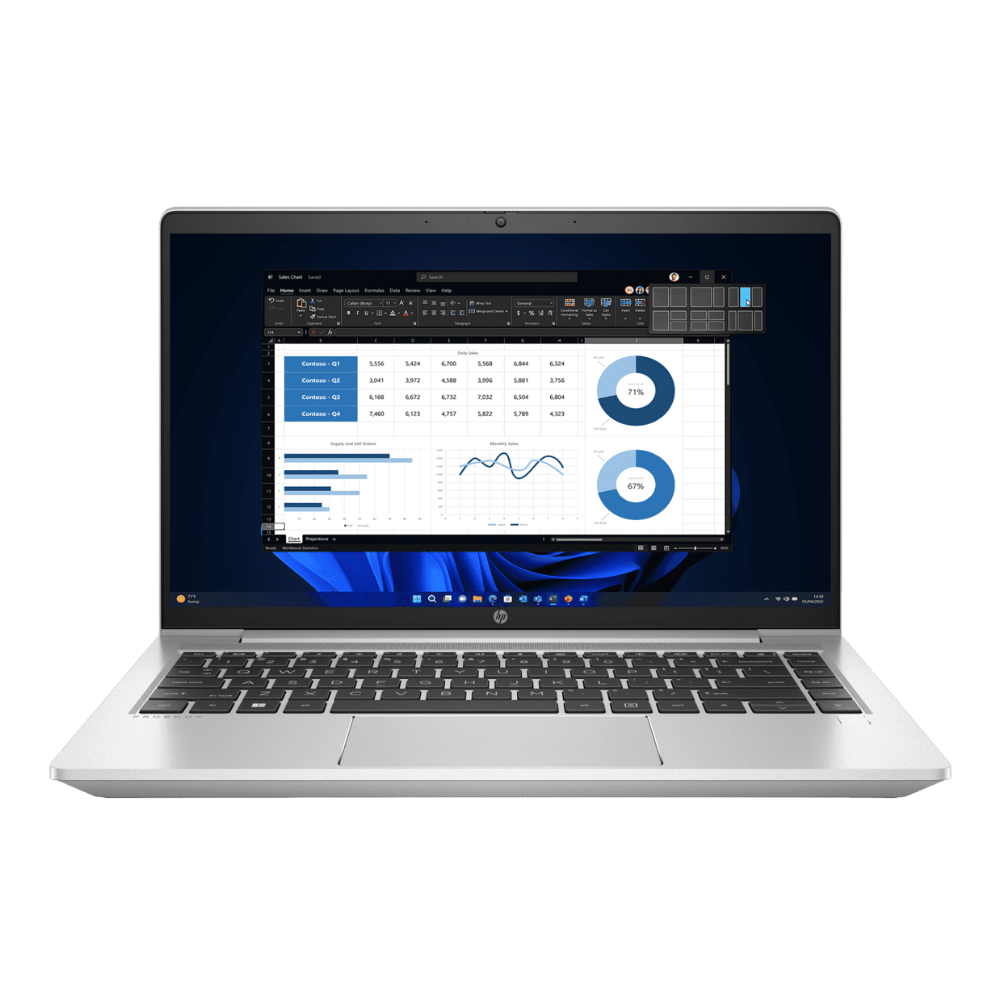
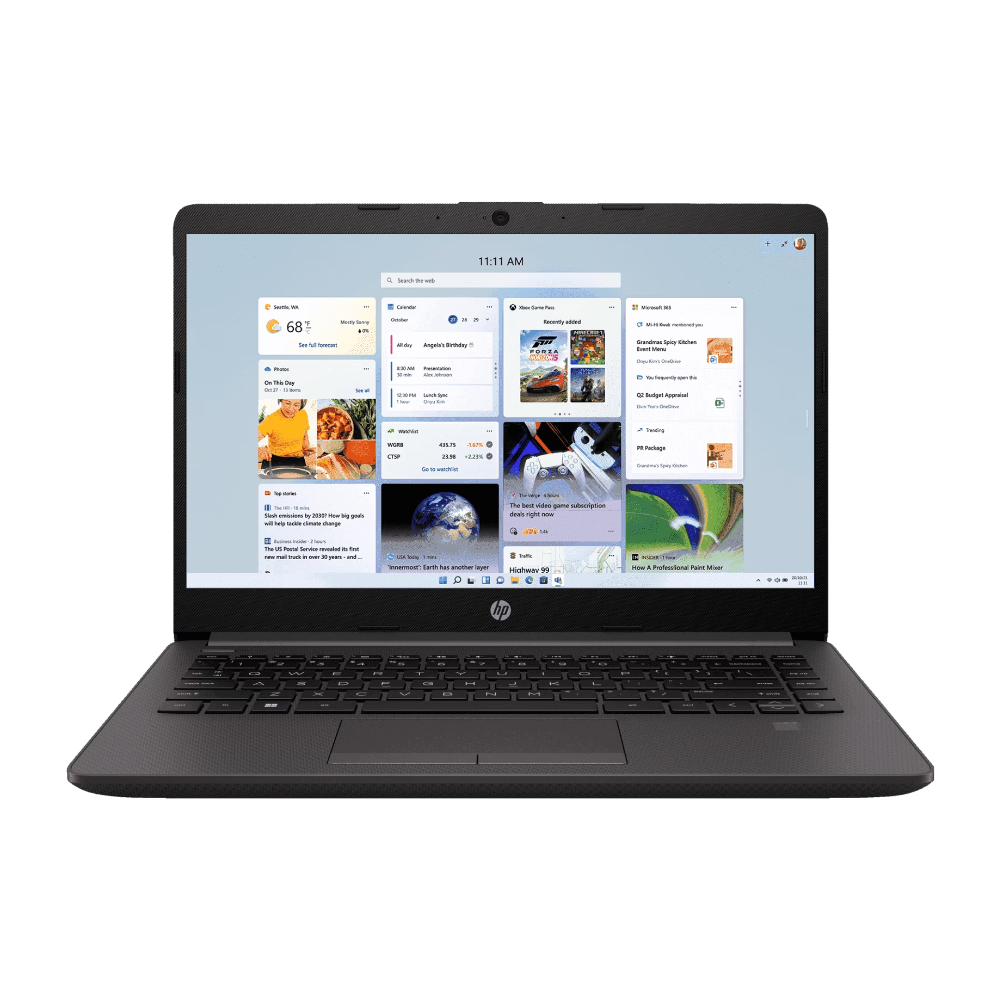
HP Laptops for Students
HP laptops are widely known for durability, performance, and professional design. They are popular among students because of their reliable build quality and strong after-sales support.
Popular HP student series:
-
HP Pavilion series – Great for everyday academic use
-
HP ProBook series – Business-class reliability
-
HP Envy series – Premium performance for creators
HP laptops offer:
-
Excellent keyboard quality
-
Long battery life
-
Solid security features
-
Lightweight designs
Lenovo Laptops for Students
Lenovo laptops are known for exceptional keyboards, strong performance, and reliable engineering.
Popular Lenovo student series:
-
Lenovo IdeaPad series – Affordable and reliable
-
Lenovo ThinkPad series – Professional productivity laptops
-
Lenovo Yoga series – Convertible laptops for flexibility
Advantages of Lenovo laptops:
-
Comfortable typing experience
-
Durable build quality
-
Great for coding and productivity
-
Strong enterprise-grade reliability
ASUS Laptops for Students
ASUS laptops are popular among students for innovative design, powerful performance, and competitive pricing.
Popular ASUS student series:
-
ASUS VivoBook – Stylish and lightweight
-
ASUS ZenBook – Premium ultrabooks
-
ASUS Creator series – Powerful laptops for creative work
ASUS laptops often feature:
-
Advanced cooling systems
-
Bright displays
-
Thin and lightweight designs
-
Excellent performance for creative tasks
Ideal Laptop Configuration for College Students
Here is the recommended laptop specification for students in 2026:
|
Component |
Recommended Specification |
|
Processor |
Intel Core i5 / Ryzen 5 |
|
RAM |
16GB |
|
Storage |
512GB SSD |
|
Display |
14" or 15.6" Full HD IPS |
|
Graphics |
Integrated GPU |
|
Battery |
8 hours or more |
|
Weight |
Under 1.6 kg |
|
Operating System |
Windows 11 |
This configuration supports coding, productivity tasks, research work, presentations, and multimedia applications.
Where to Buy Student Laptops in Chennai and Tamil Nadu
If you are planning to buy a laptop for college students in Chennai or Tamil Nadu, it is always recommended to purchase from a trusted authorised dealer who provides genuine products and proper warranty support.
Supreme Computers is one of the most trusted laptop dealers in Chennai and Tamil Nadu, with over 31 years of experience in IT hardware and technology solutions.
Students can explore a wide range of HP, Lenovo, and ASUS laptops, along with expert guidance to help select the right laptop based on academic requirements and budget.
Benefits of buying from an authorised laptop dealer:
-
Genuine products with manufacturer warranty
-
Expert guidance for choosing the right laptop
-
Competitive pricing and offers
-
After-sales service and support
-
Access to the latest laptop models
Buy Student Laptops from Supreme Computers – Chennai
Supreme Computers – Trusted Laptop Dealer in Chennai & Tamil Nadu
Address:
No. 41, Narasingapuram Street
Mount Road, Chennai – 600002
Phone:
+91 73058 44492
+91 95000 17188
Supreme Computers offers a wide selection of HP, Lenovo, and ASUS laptops suitable for college students, professionals, and businesses across Tamil Nadu.
Conclusion
Choosing the right laptop for college in 2026 requires careful evaluation of performance, RAM capacity, SSD storage, display quality, battery life, and portability.
For most students, a laptop with Intel Core i5 or Ryzen 5 processor, 16GB RAM, and 512GB SSD will provide excellent performance for academic tasks over several years.
Brands like HP, Lenovo, and ASUS offer reliable student laptops that combine performance, durability, and affordability.
By purchasing from a trusted dealer like Supreme Computers in Chennai, students can ensure they receive genuine laptops, expert guidance, and long-term technical support, making their college experience smoother and more productive.
For More Details Contact us
Website: www.supremeindia.com
Email: esupport@supremeindia.com
Call : 7305844492 / 9500017188
WhatsApp Chat: Chat1 / Chat2

